FLOATING ISLAND CO-OP
Aloft Server Hosting
Host an Aloft world for your crew. Restore islands, build airships, explore the skies and keep the same save ready between sessions.

Co-op World
Run an Aloft world for your group, keep progress online and manage the server without leaving one player to host the session.
Game overview
What is Aloft?
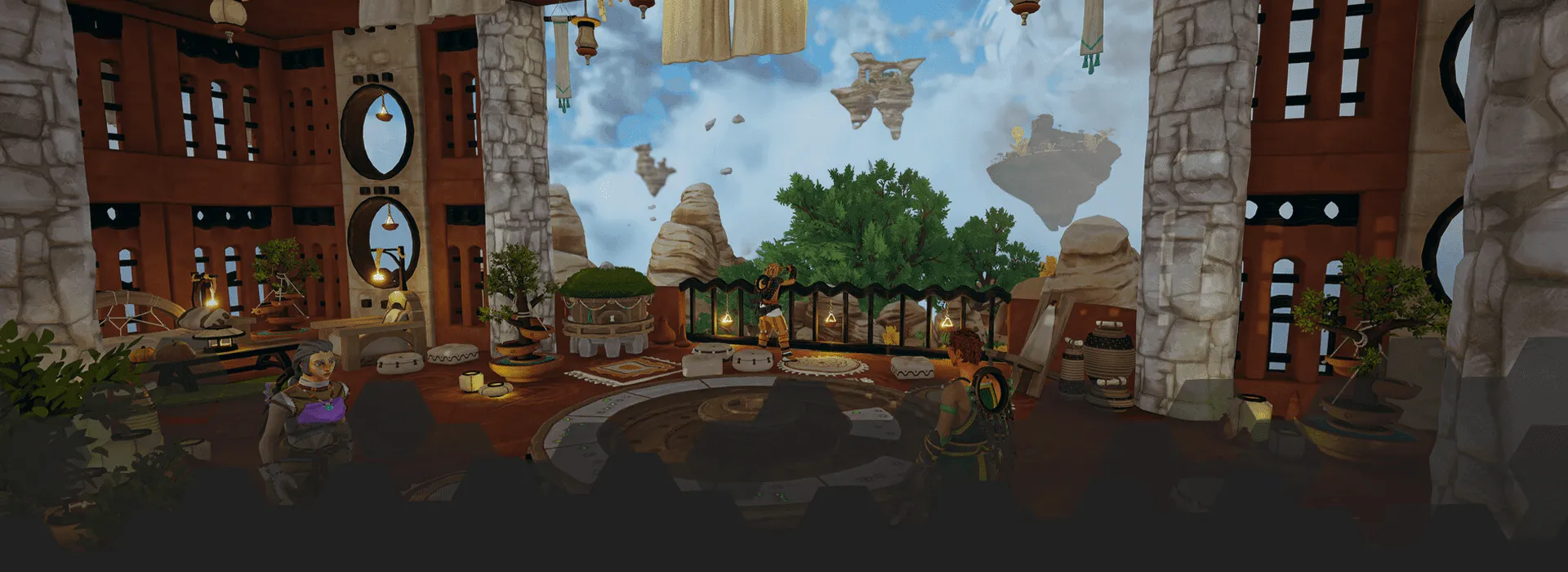
Aloft is a survival game that is set in the clouds, where you explore the skies by turning floating islands into flying ships, gathering resources as you go. You can build a cosy little farmhouse and look after animals, or you can install windmills, a network of cables and pullies to automate machines and automate production lines.
Look after your island as it's a fully living ecosystem on its own, that has the possibility to gain an uncontrollable fungi infestation, well, if you have unsustainable harvesting practices. Luckily, there's a cure for this if it does occur, you can find and defeat mushroom creatures to create antidotes to save your animals and restore your land.
Build your farm to gather food and cook up delicious recipes. Remember to look after your animals and they in turn, will protect you. Become the sky explorers you and your friends have always wanted to be with our powerful Aloft server hosting, complete with 24/7 support and automated backups.
For more information about Aloft checkout the Steam Page.
Checkout the trailer!
Included Server Features
Why choose LogicServers?
Good for groups that want a shared Aloft save online between sessions, with easy access to server settings, backups and support when needed.
DDoS Protection
Automated network protection is included with our game servers, so common attacks are filtered before they become your problem.
Instant setup
Order, pay and the server is provisioned automatically, ready for you to configure from the control panel.
Shared sky world
Keep the same island world available for the group, whether people are building, exploring or joining later.
Fast servers
Game servers run on fast hardware with SSD storage and sensible network locations, so players are not fighting the host before they fight the game.
Support when needed
If you get stuck with setup, config, files or an order question, our support team can help without treating every server like the same problem.
Control panel
Use the game panel for console access, files, configuration, backups and common server actions from your browser.
Our Server Locations
Choose a server location that is closest to your target audience for optimal performance.
London
Frankfurt
Stockholm
New York
Dallas
Chicago
Los Angeles
Sao Paulo
Singapore
Sydney
Melbourne
Trusted By Players
Players regularly mention quick setup, useful support and simple server management once their world is live.
"Their pricing was decent, but the thing that keeps me locked in with them is their customer service. It is by far the best I have come across."
"Customer service is fast and helpful every time."
"No other server host i've tried can even come close to matching their customer service. They go above and beyond to provide a smooth, enjoyable experience. i won't even consider using another host for anything i do. Highly recommend..."
"The staff and experts at this company have made me feel important and pay attention to detail and respond amazingly quick and politely. They have been personable and focused and get right to the point. One staff member even helped me in his personal time and put up with my stress at the time. I feel super greatful for these people. Thanks, LogicServers...."
"I do not go anywhere else for game hosting now. Always a great experience, and if things go wrong it is usually my fault."
"I have two servers for 7 Days to Die. Operating, maintaining and modding the server is easy and user-friendly."
Aloft hosting FAQ
Quick answers about Aloft server setup, saves, settings, and backups.